Sauna · Cold · Rest
Sauna, cold, rest.
Round by round.
Kiuas tracks contrast therapy on your Apple Watch: the phase you’re in, the time left, your heart rate live, and calm alerts when it climbs too high. Each session becomes one workout in Health.
Coming soon to the App Store
iPhone with iOS 17 or later · Apple Watch with watchOS 10 or later recommended
What it does
A small instrument for the sauna
01 Apple Watch
Live session on your wrist
A dial with the time left, the round and your heart rate. A tap on the wrist ten seconds before each change, Water Lock one tap away. If the app closes or the Watch restarts, the session picks up again or is saved later: it doesn’t get lost.
02 Protocols
A plan, or a free session
Start from Classic Finnish, Short contrast, First steps or Sauna only, or build your own rounds. Or go free: choose each phase as you go (sauna, steam room, cold shower, cold plunge, lake, snow, rest) with a goal you can change while you’re in.
03 Safety
Alerts that say what to do
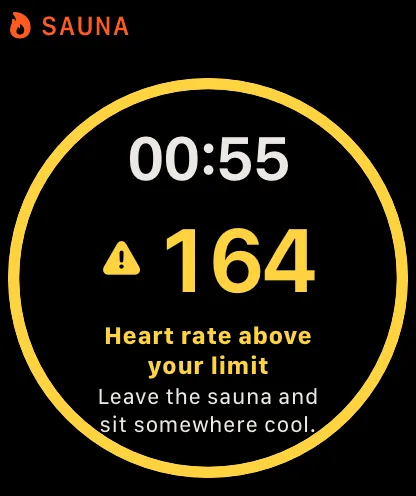
A caution when your heart rate goes above your limit or recovers slowly after the cold. A stop when it stays high. Your limit comes from your age, is lowered when you log alcohol or caffeine, and can take heart-rate-lowering medicines into account.
04 Calories
Kcal, estimated honestly
In the heat your heart rate rises, but your energy use barely does. Kiuas estimates calories with a model built on published sauna and cold studies and always shows a range. You choose whether Health gets the Kiuas estimate or Apple’s.
05 Heat dose
Minutes in the heat, days per week
The minutes of Finnish sauna in each session and the sauna days in the last 7, the two numbers the long-term Finnish studies look at. Sources are linked in the app.
06 History
History, corrections, export
Every session on your iPhone: max, average and recovery per round, the heart rate chart with your limit, the alerts. Forgot to switch phase? Move the end, change a phase, drop a round. Export kcal by phase as CSV.
07 Health
One workout in Health
Each session is saved as a single workout with a part for each phase, heart rate and energy included, so it shows up in Fitness and its calories count toward your Move ring.
08 iPhone
Timer only, without a Watch
No Watch with you? The iPhone runs the same protocol as a timer, with notifications and a Live Activity on the Lock Screen and in the Dynamic Island. No heart rate, so no alerts.
Screens
Made to read at a glance, in the heat
Condensed numbers, one color per phase, nothing that moves when you lower your wrist.
Apple Watch
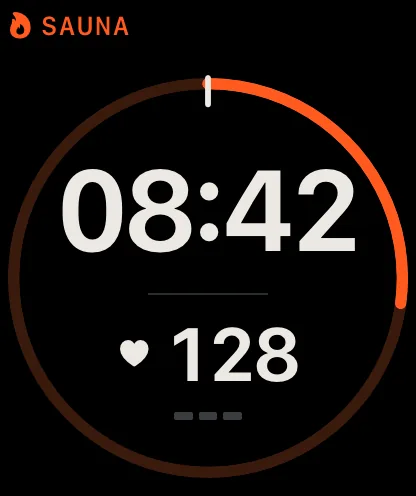
Sauna · time left 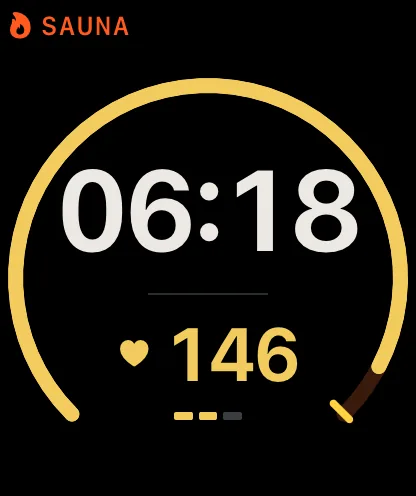
No set time · near the limit 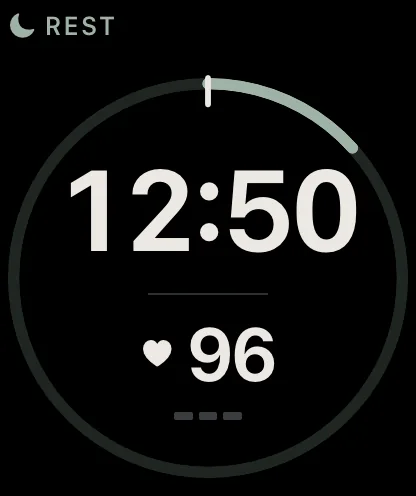
Rest · recovery 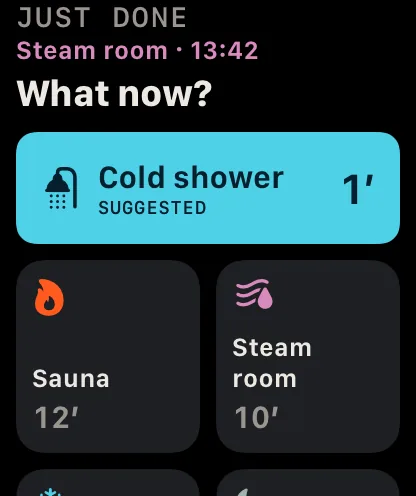
Free session · what now?
iPhone
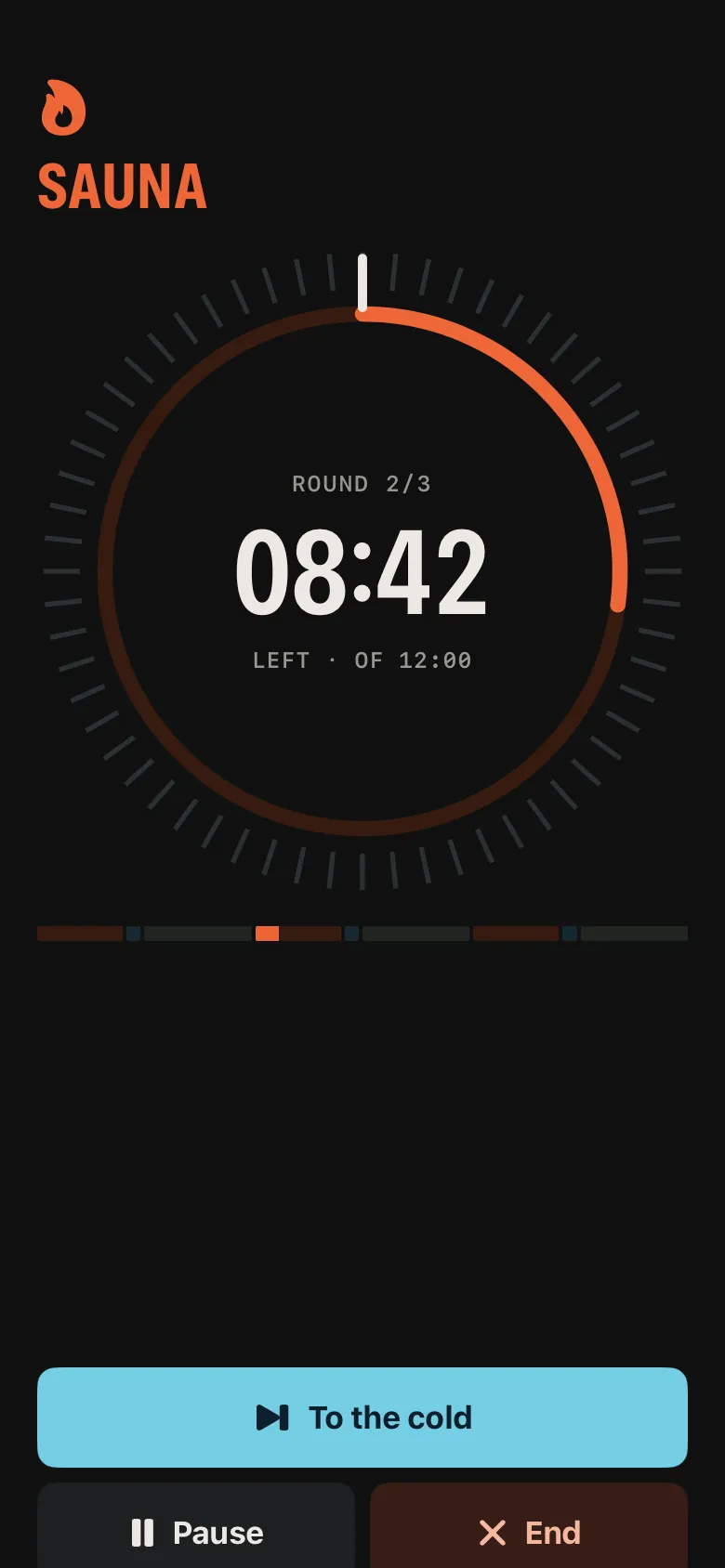
iPhone timer 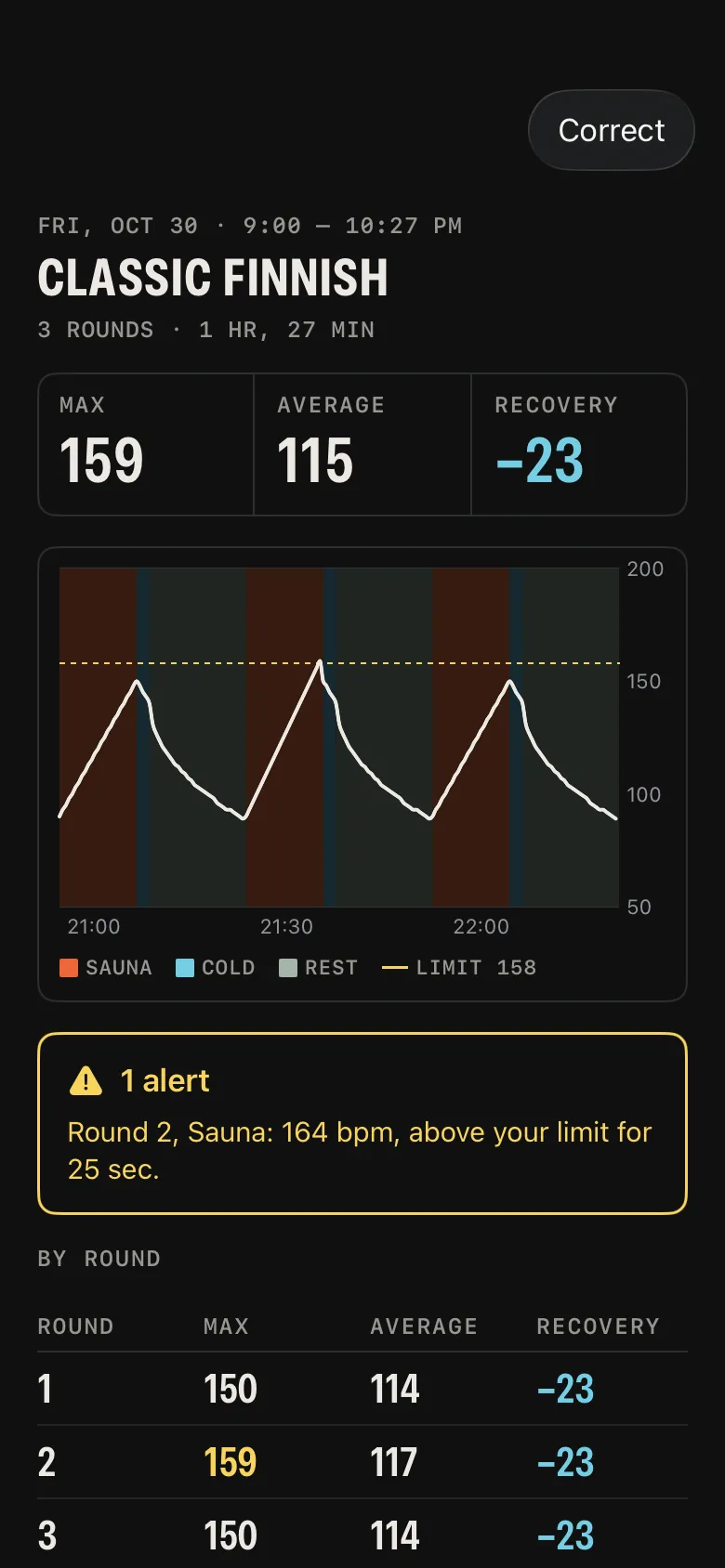
Session summary 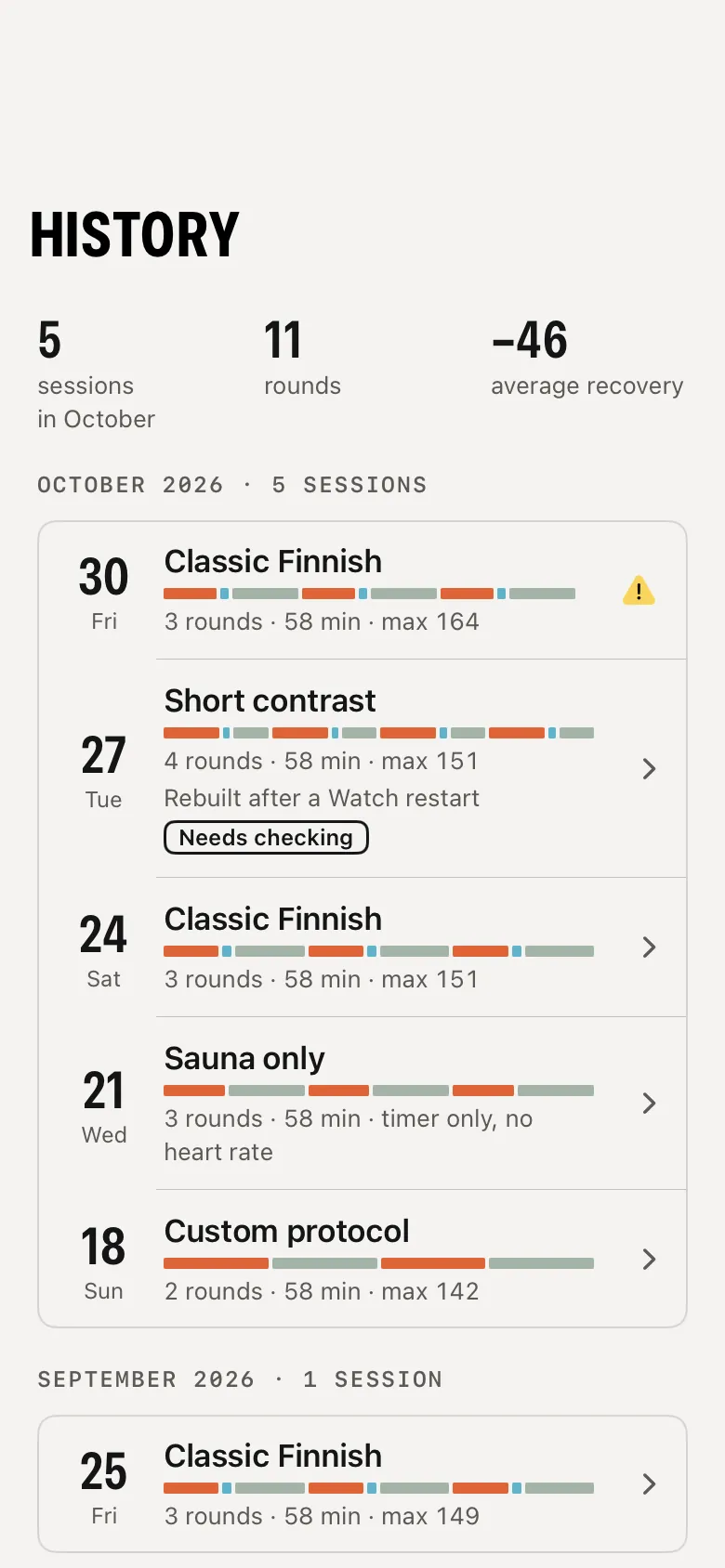
History 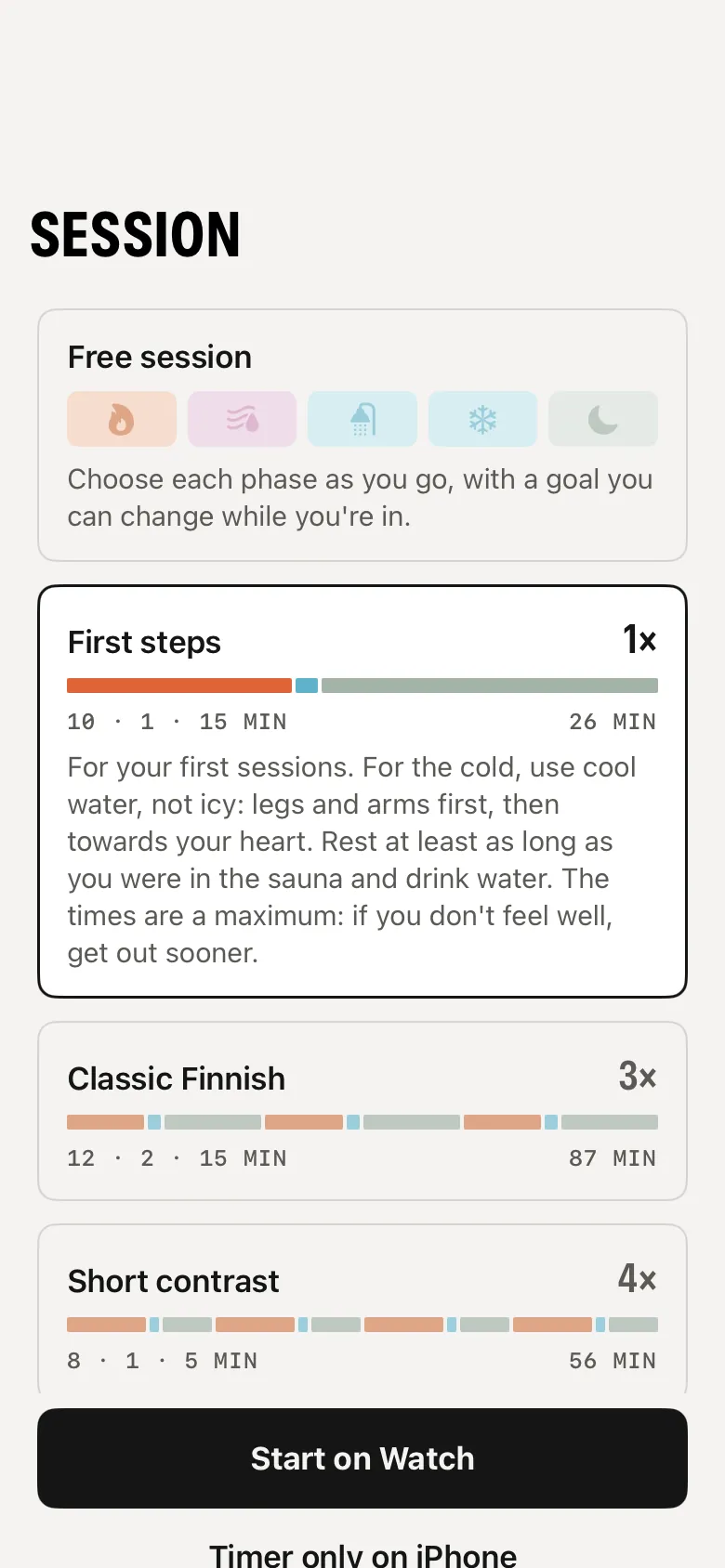
Protocols
Safety
Two levels, no alarms
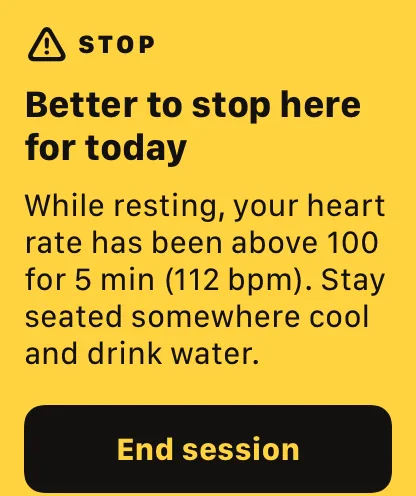
Kiuas watches your heart rate during the session and speaks only when there’s a reason. Calm wording, what happened, the number, and what to do.
- Caution
- Your heart rate went above your limit, or after the cold it isn’t coming down. A haptic tap and a short message: leave the sauna, sit down.
- Stop
- Above your limit for minutes, or still high after five minutes of rest. Full screen, repeated every 30 seconds, with the local emergency number.
- Default limit: 85 % of your estimated maximum heart rate, from your age; you can set your own.
- Log alcohol or caffeine before starting and the limits are lowered, and the alert tells you why.
- If you take beta blockers or similar medicines, tell Kiuas: the limit follows a formula made for them.
- No heart rate signal, no alerts: the Watch says so instead of staying silent.
Kiuas is not a medical device
- Alerts are a help, not a diagnosis. They can be late or wrong.
- If you have heart or blood pressure problems, are pregnant or take medication, ask your doctor before sauna and cold water.
- If you feel unwell, get out and ask for help. Your body matters more than the timer.
Privacy
Your sessions stay with you
Accounts
0
Servers
0
Trackers
0
Kiuas has no account, no server of its own and no analytics. Your sessions live on your iPhone, your Apple Watch and in Apple Health, and leave them only when you share an export yourself.